Every meeting,
remembered.
Scribe records, transcribes and summarizes your meetings — on your Mac. Nothing important slips through again.
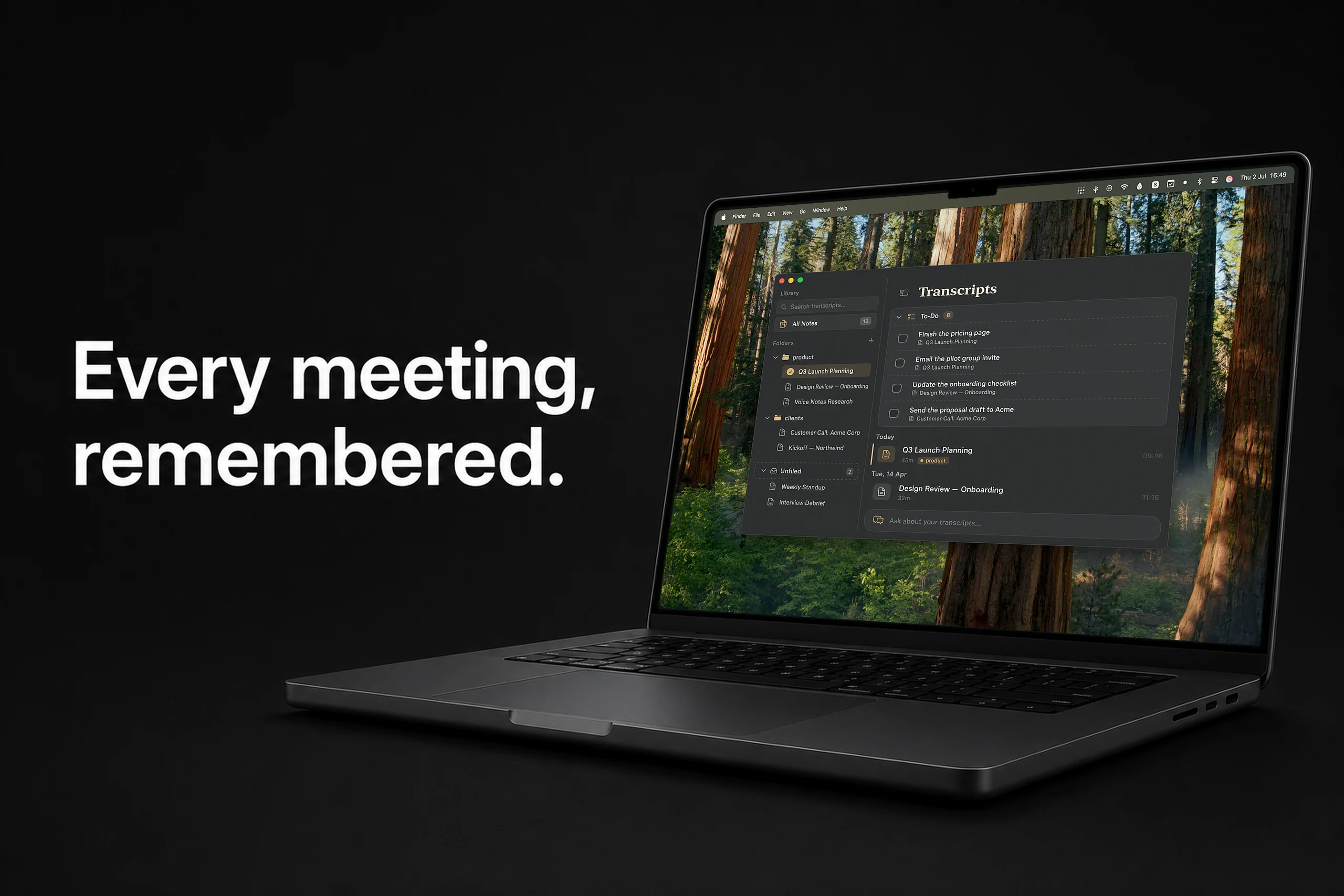
From call to notes. Automatically.
How it works
Step 1
Record
One key press — or let Scribe detect your meeting and offer to start. It captures you and the other side.
Step 2
Transcribed on your Mac
On-device AI turns the call into a speaker-separated transcript. No audio leaves your machine.
Step 3
Notes appear
A summary with key points and action items writes itself. To-dos from all meetings collect in one list.
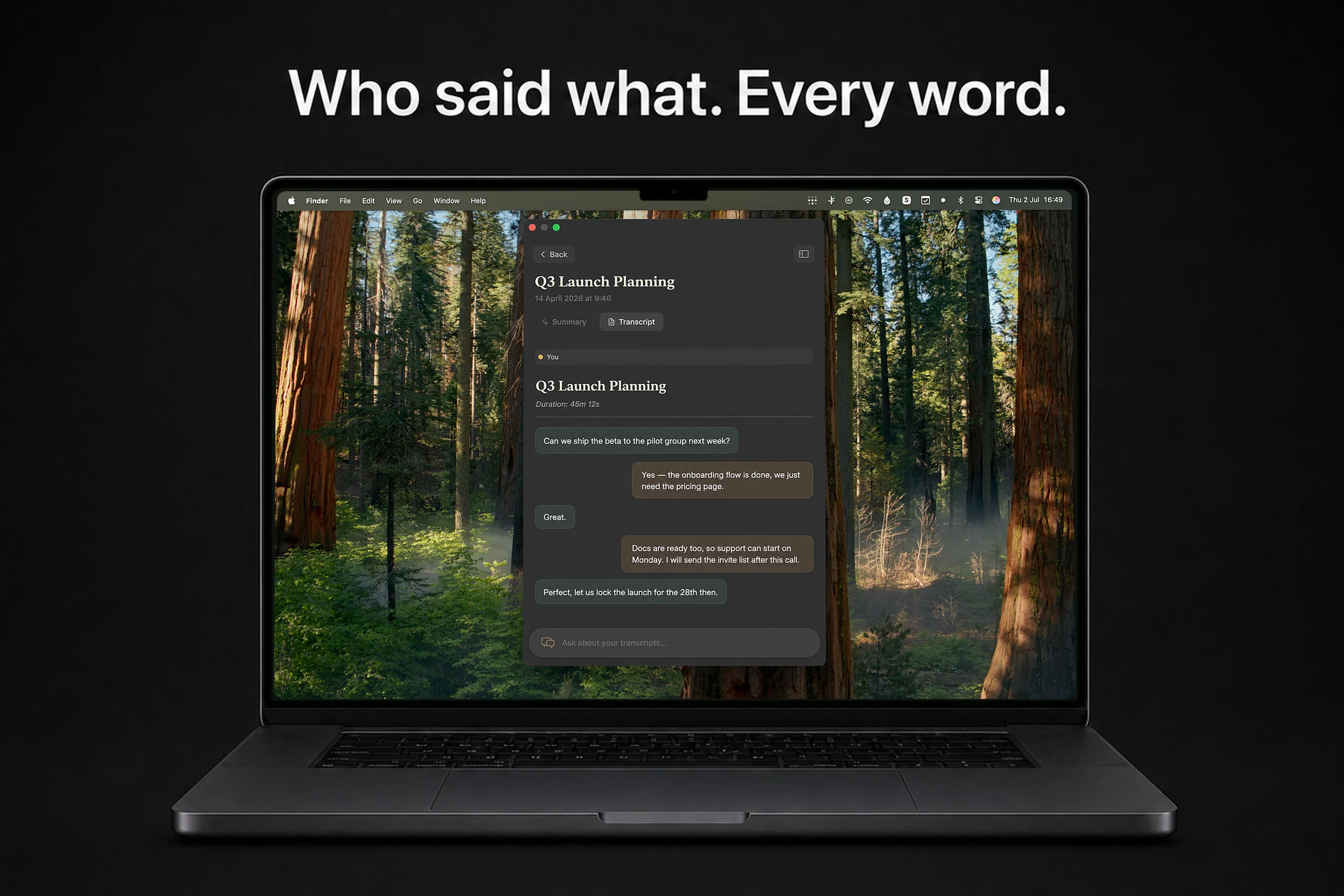
Speaker-separated transcripts
Who said what.
Every word.
Scribe captures both sides of the call — your microphone and the meeting audio — and lays the conversation out like a chat: your words on one side, everyone else on the other.
Works with Zoom, Meet, Teams, or anything else that plays through your Mac. No bots joining your calls.
Summaries & action items
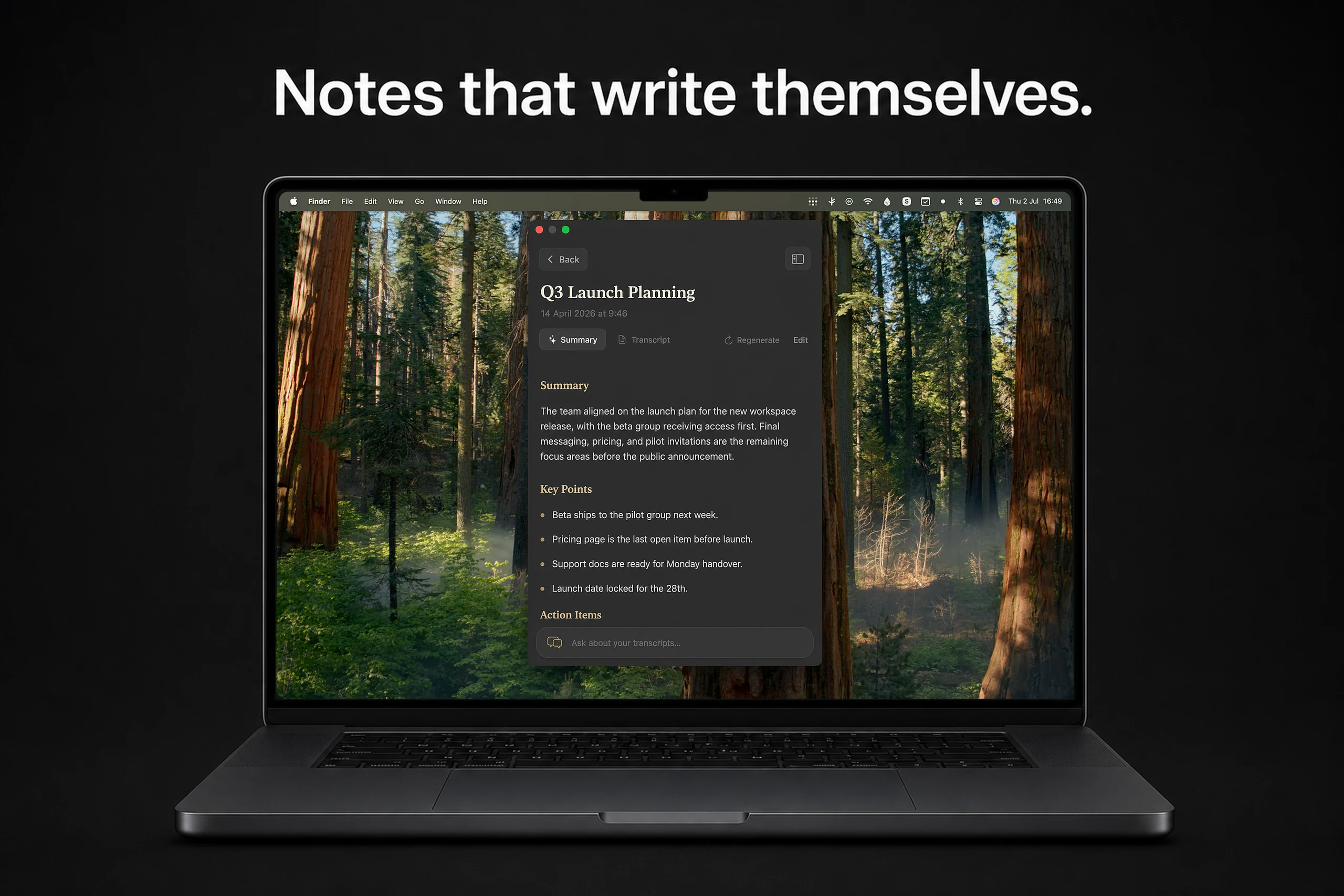
Notes that write themselves.
The moment a meeting ends, Scribe writes the summary: what was discussed, what was decided, and who committed to what — with every action item as a checkbox you can tick off.
To-dos from every meeting collect in one list, each linked back to the conversation it came from. Summary lines carry a source link that jumps to the exact transcript moment — so you can always verify what the AI wrote.
Your archive, on call
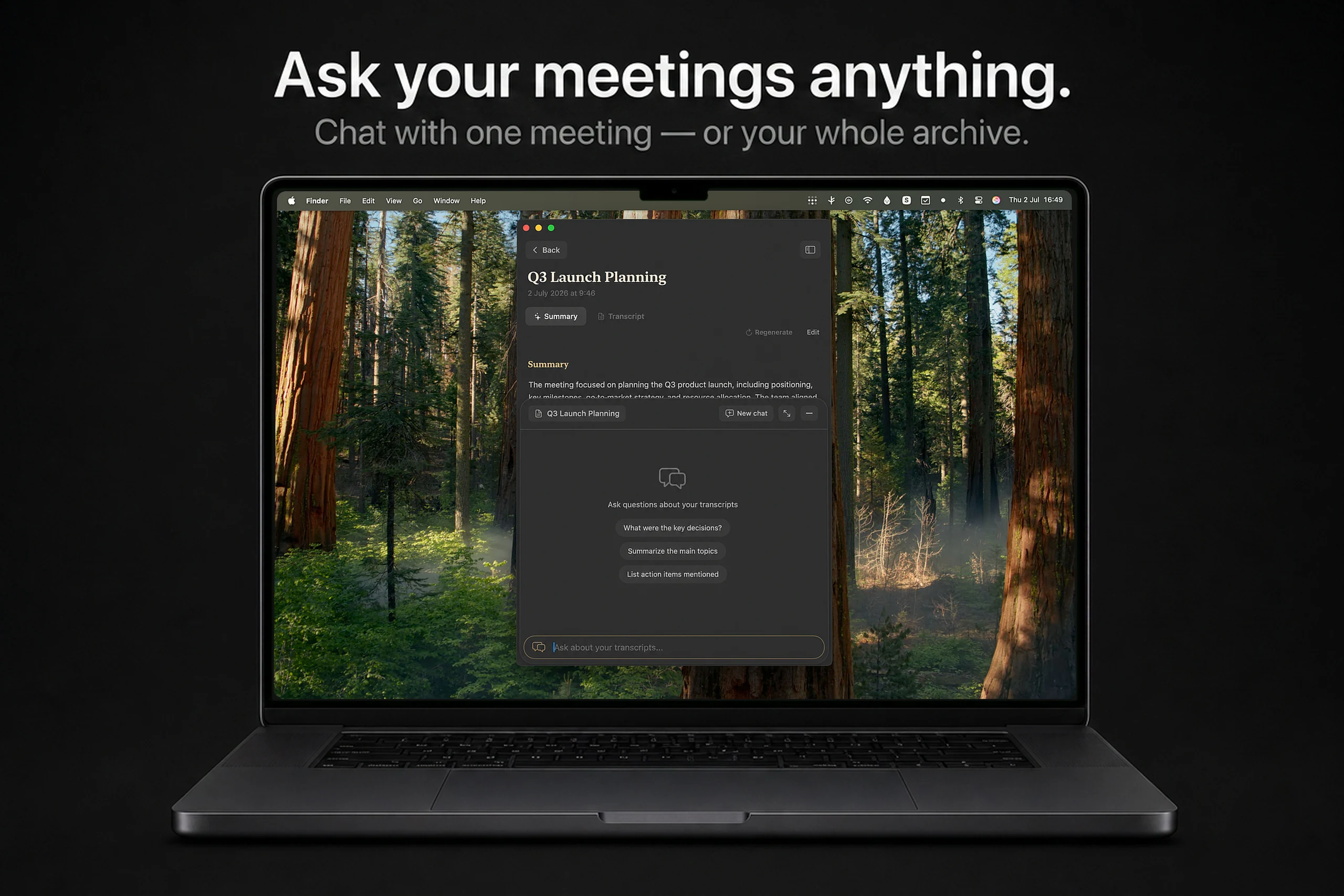
Ask your meetings anything.
“What did we decide about pricing?” “When is the launch?” Chat with a single meeting — or ask across everything you’ve ever discussed.
Scribe finds the moments that matter and answers from your actual conversations, not from memory. Months of context, one question away.
On-device by default
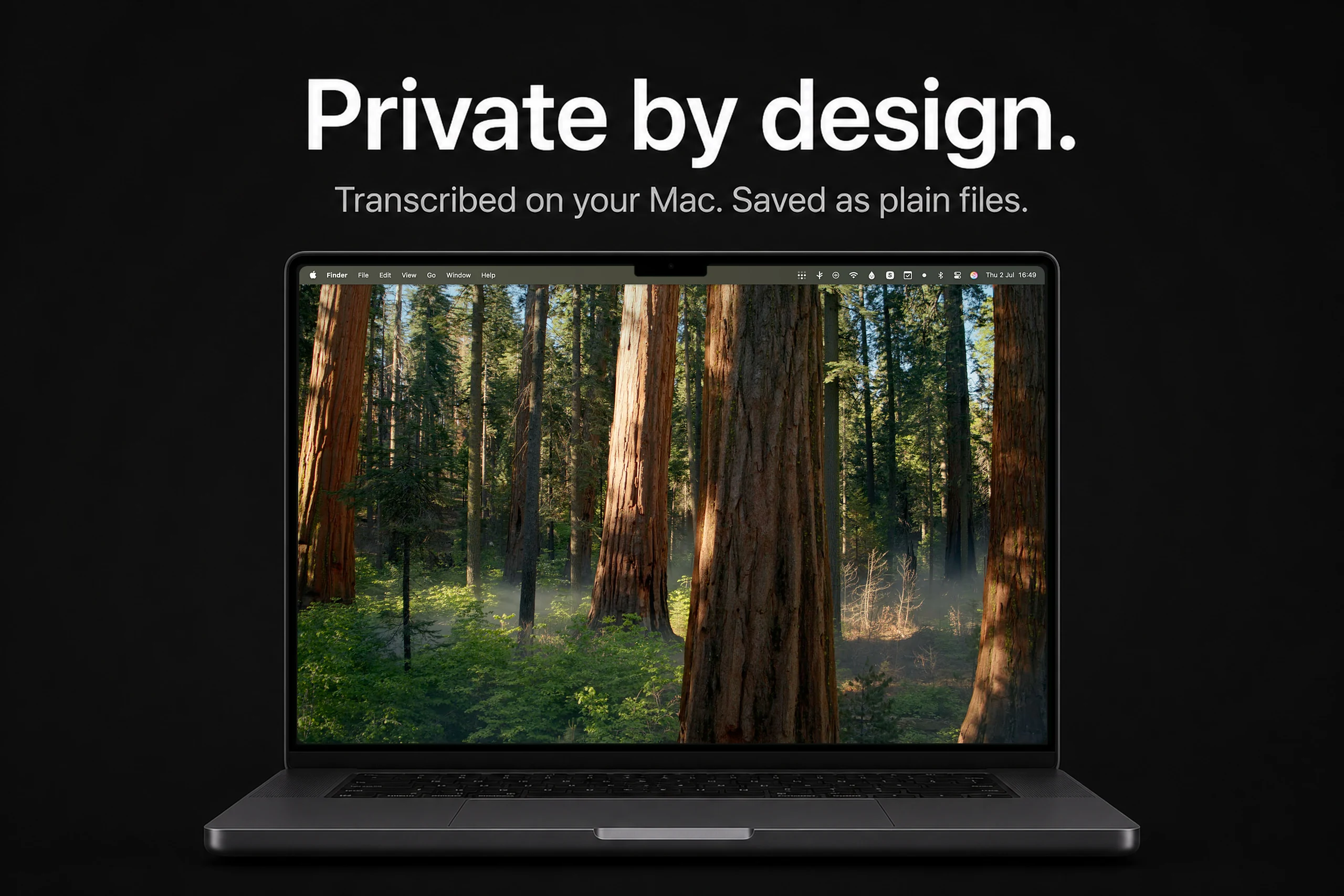
Private by design.
Transcription runs locally on Apple Silicon — meeting audio never leaves your Mac. Your transcripts are plain Markdown files in a folder you choose. No lock‑in, no cloud library, no telemetry.
Pro’s cloud features — summaries and chat — send transcript text on demand, get the answer, and store nothing.
Simple pricing
Start free. Upgrade when you want more.
Recording, on-device transcription and your archive are free forever. Pro adds the intelligence on top.
Free
Forever
Pro
or $79.99/year (save 33%)
Subscribe from within the app
Never lose what was said.
Scribe is free to download. Your next meeting can be the first one you never have to remember.